Opens ready to log
Opens straight to the keypad. Type the amount, pick a category, and save. The keypad clears right away for the next one.
Log
Calendar
Spending
Budgets
Recurring
A simple, private iPhone expense tracker. Log purchases in two seconds, capture Apple Pay taps automatically, and see today's total right on your home screen.


Free on iPhone, no signup, no ads.


Set up a quick Shortcuts automation once, and in-store Apple Pay taps show up in CashJot with the shop name, amount, and card. Runs on your iPhone with no bank login.
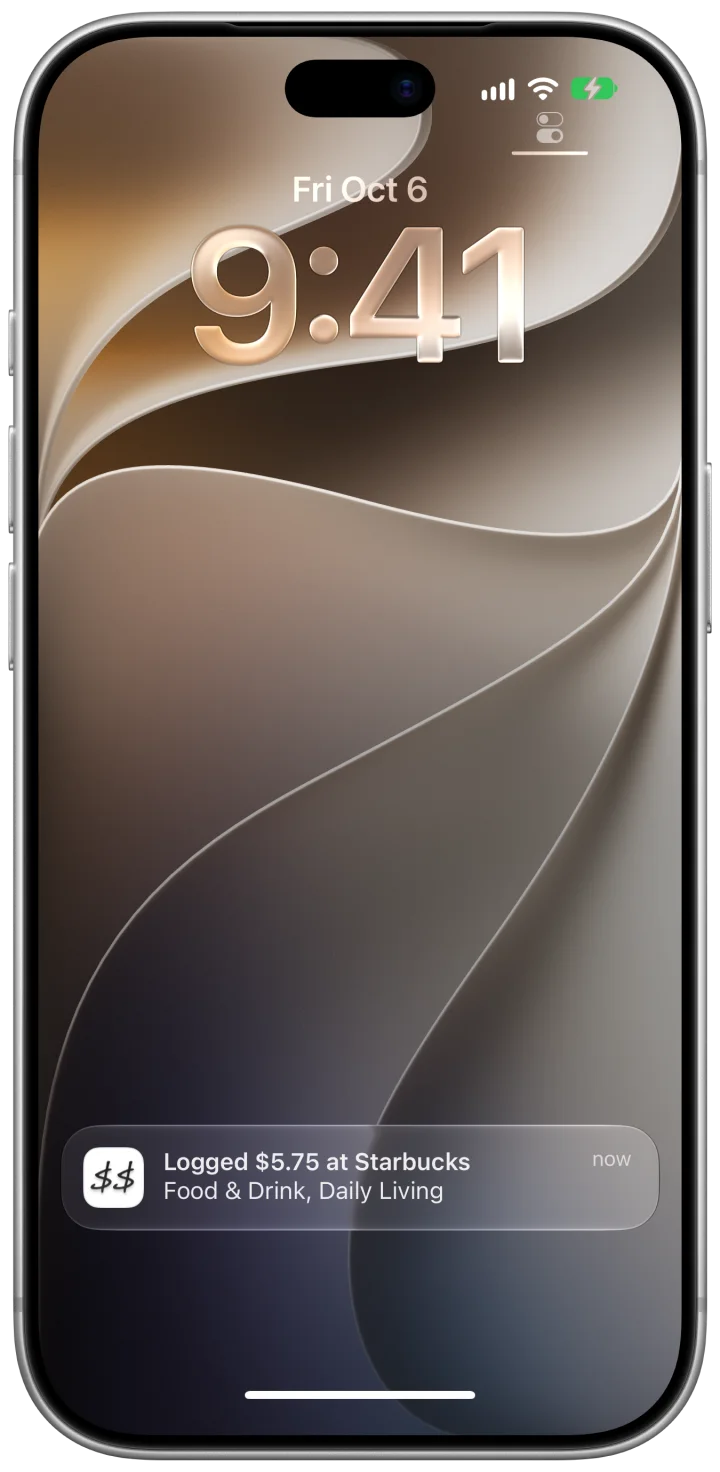

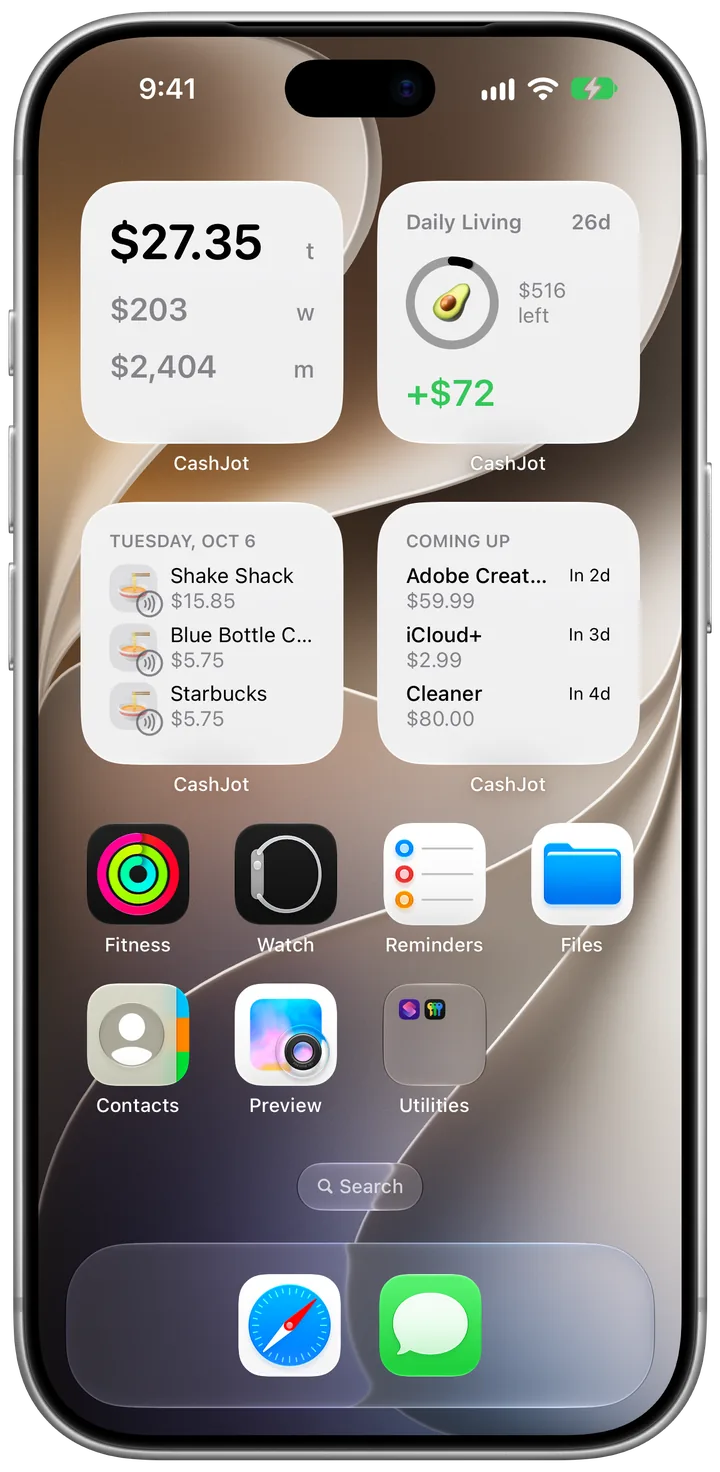
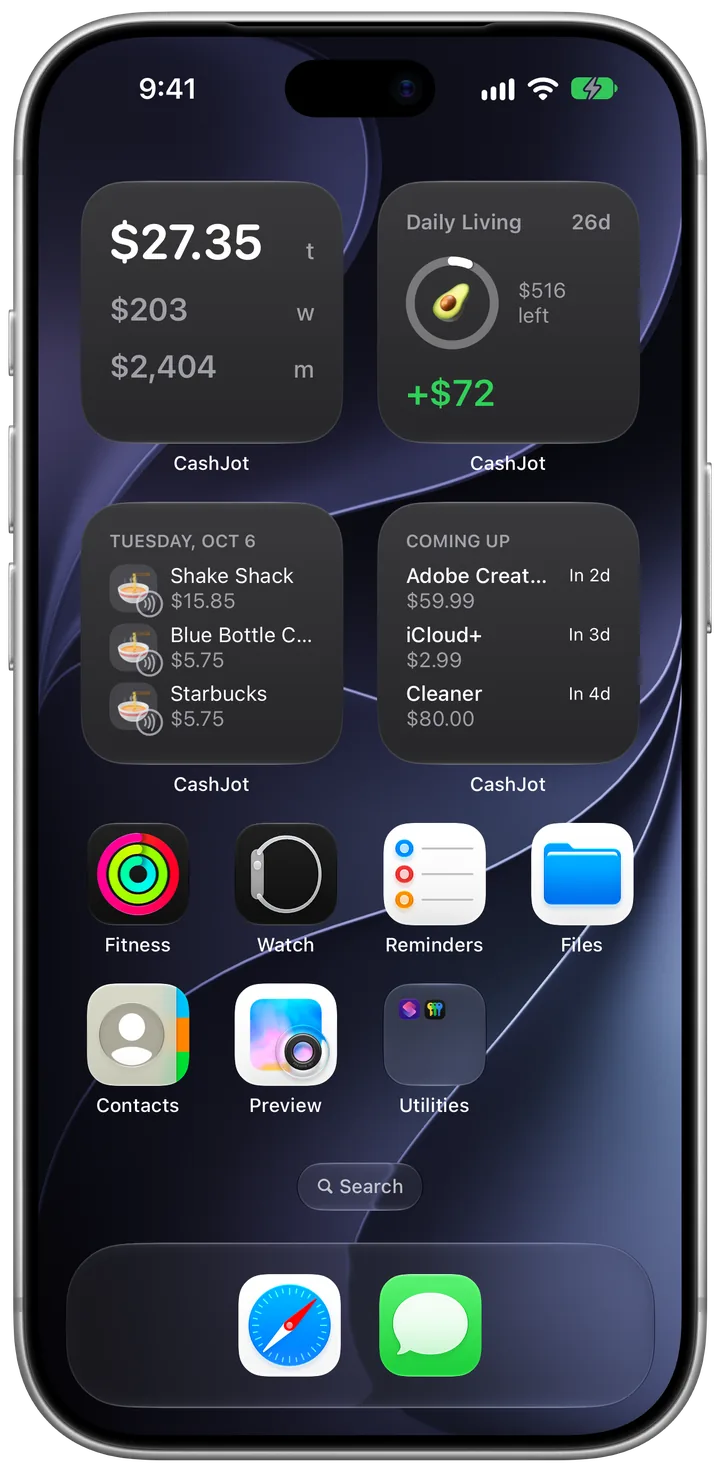
Keep today's total, budget pace, and upcoming bills right where you already look. You know where the day stands without opening the app.
Category breakdowns and month-over-month comparisons show where your money actually goes, without touching a spreadsheet.
Total
$4,441.98
You spent $998 less than in August.
Set a limit for the week, the month, or a trip. CashJot compares what you've spent with where you should be by today, so you know if there's room for dinner out. No envelopes, no monthly reconciliation.
Give trips and side work their own Expense Group, each with its own currency, budgets, and reports. A holiday in Tokyo won't throw off your everyday numbers back home.
No accounts, no company servers, and no bank logins. Your spending stays on your iPhone and syncs privately through your own iCloud. Works offline too.
Nothing to sign up for, nothing to sign in to.
Syncs across your Apple devices, with no company server in between.
On a plane or on the subway, logging works the same.
From rent to Netflix, logged on the day they're due, with a reminder beforehand.
$494.73
Remaining
$1,933.19
Paid
Every screen, light or dark.

Each day's total under its date, with upcoming bills marked ahead.
October 2026
Log in the local currency and see it converted into yours.
1,080 JPY
7.20 USD
Search by name, amount, or category and see the total of what matches right away.
Every expense with date, amount, currency, category, and group, ready for any spreadsheet.
No ads and no account. If you try CashJot Plus and cancel, nothing you logged is deleted.

“I wanted to know, at the end of each day, how much I'd spent and roughly on what. CashJot is the app I built for that.”
Yes. Daily logging, all six widgets, iCloud sync, Apple Pay capture, one Expense Group, and up to three active recurring bills are free, with no ads and no account. On the free plan, Apple Pay taps appear in Captures. CashJot Plus (available as a subscription or a one-time Lifetime purchase) logs Apple Pay taps automatically, unlocks budgets, weekly and yearly reports, period comparisons, and spending patterns, and removes the group and recurring limits.
No, and it never asks to. There is no account and no bank login anywhere in the app. Your entries live on your iPhone and sync through your own iCloud, so nobody else sees your spending.
It takes about two seconds at the counter: amount, category, save. Favourites and autocomplete handle the places you visit all the time, and with Plus, in-store Apple Pay taps log themselves.
No. CashJot is built for what you're spending from today onward, so you don't need old bank statements to get started. Within a few days of logging, your daily and weekly totals are already useful. With CashJot Plus, you can export everything you log to CSV anytime.
No. CashJot is built specifically for iPhone. There is no Android or web version.
Log your next coffee in two seconds and see today's total on your home screen.